Backlinko readers get access for 14 days. 55+ tools.
FREE Agentic Browsing Readiness Checker
Check if AI agents can read, navigate, and use your page. Get a one-page report with the issues to fix first.
No loginNo credit cardInstant results
21 readiness checks
Crawl access and accessibility checks
WebMCP and llms.txt checks
Instantly Score Your Page's Agentic Browsing Readiness
Enter a URL and get your readiness score. The report surfaces your top blocker and prioritizes fixes so agents can reach, read, and interact with your page.
See a snapshot of how AI reads your site
Get a plain-language summary of what is holding the page back
Check up to three pages per day, free
Check Whether AI Agents Can Reach Your Page
AI agents need the right signals to reach your page. The report checks key access signals and flags what is getting in the way.
Check for explicit AI crawler rules
Verify the right acccess signals are in place
Confirm sitemaps and page resources are reachable
See which access checks are passing or failing
See If AI Agents Can Read and Interact With Your Page
Small markup gaps can stop agents from interacting with your page. The report checks every interaction signal and flags what needs fixing.
Flag hidden interactive elements and navigation gaps
See which interaction checks pass or fail
Spot controls agents can't read or use
Get fixes for every flagged issue
Check Page Stability and Rendering for AI Agent Use
Rendering issues can cause agents to misread or abandon a page. The report checks stability signals and flags what needs fixing.
Check whether the layout stays stable during agent interactions
Confirm key content is available without rendering JavaScript
Flag rendering issues that could cause agents to fail
Want to Go Deeper? Monitor AI Agent Access Across Your Site
This free checker audits one page at a time. Semrush gives you a fuller picture.
Track AI crawler access and technical health over time
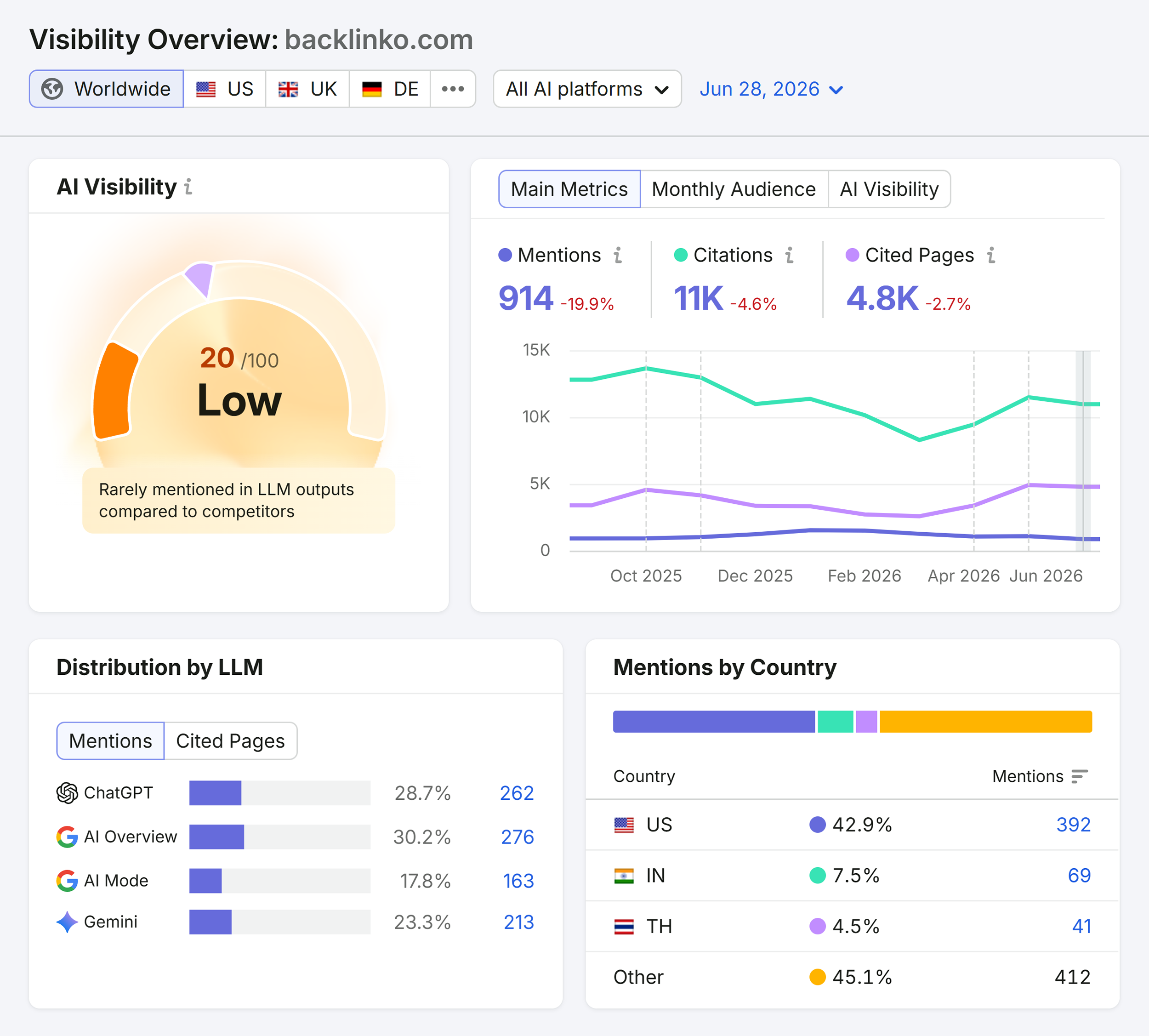
Monitor AI visibility across ChatGPT, Gemini, and Google AI Overviews
Connect site-wide crawl data with AI citation tracking
Benchmark your AI presence against top competit
AI Agent Readiness FAQ
Yes the agentic browsing readiness checker is free to use. You get three free checks per day. No account or credit card required. Enter a URL and click "Get Free Report."
The agentic browsing readiness score reflects how easy it is for AI agents to reach, read, and interact with a page. It checks agent access signals (robots.txt, HTTPS, indexability), machine-readable guidance (JSON-LD schema, llms.txt), agent interaction UX (form labels, accessible names, navigation structure), and page stability (Core Web Vitals, rendering).
Agent Access & Readability measures whether agents can reach the page and read its content. Agent Experience & Stability measures whether agents can interact with the page reliably, including accessible controls, form labels, layout stability, and rendering speed.
Agentic browsing is when an AI system navigates, reads, and interacts with web pages on a user's behalf. These systems follow links, fill forms, and extract information. Pages that are not set up for agents can block them, confuse them, or return incomplete results.
It runs 21 Lighthouse-inspired checks across four areas: agent access (robots.txt, HTTPS, sitemaps, canonicals), machine-readable guidance (JSON-LD schema, llms.txt, WebMCP signals), agent interaction UX (accessible names, form labels, navigation structure), and stability and rendering.
llms.txt is an optional file you can add to your site root to point AI systems to your most important URLs and topics. It is not required for a high readiness score, but the checker flags whether one exists so you can decide if it is worth adding.
This checker is focused on AI agent usability, not human accessibility. It borrows some accessibility signals, like labeled form fields and accessible button names, because agents rely on the same markup to interact with pages. But it also checks signals specific to agents, like robots.txt AI crawler rules, raw HTML readability, and llms.txt.
There is no fixed benchmark, but higher scores can mean agents can reach, read, and interact with your page more reliably. The report shows exactly which checks are passing and which are failing so you can see what is pulling your score down.
Start with access blockers, robots.txt restrictions, missing HTTPS, or noindex tags that prevent agents from reaching the page. Then, address agent interaction issues like unlabeled buttons and form fields. Stability and rendering issues like slow LCP or poor INP can be tackled after the critical access and interaction gaps are resolved.
Turn insights into greater visibility
Uncover competitor gaps, prioritize site fixes, and improve your content to get found in Google and AI answers.