Newsletter Sign Up

Backlinko readers get
access for 14 days. 55+ tools.

Schema Markup Generator

Generate schema markup that helps your pages stand out in Google search results and AI answers. Choose a schema type, fill in your details, and get ready-to-use JSON-LD code. Start here.

Schema Configuration

Choose your schema type and fill in the required fields.

Schema Type

Article

NewsArticle, BlogPosting

Basic Article Information

Article Type

Images

Image 1

Author

Author Type

Publisher

Dates

Date Published
MM/DD/YYYY
Date Modified
MM/DD/YYYY

Generated JSON-LD

Live output updates as you edit the form. Paste this directly into your page template.

<script type="application/ld+json">
{
  "@context": "https://schema.org",
  "@type": "Article",
  "mainEntityOfPage": {
    "@type": "WebPage"
  },
  "publisher": {
    "@type": "Organization",
    "logo": {
      "@type": "ImageObject"
    }
  }
}
</script>

Schema markup helps search engines and AI systems understand your content and display rich snippets in Google.

Read more: www.semrush.com/blog/schema-markup/

Choose from 15 Schema Types

Article, Product, FAQ, Recipe, Event, and 10 more. Each type includes the fields Google needs for rich results.
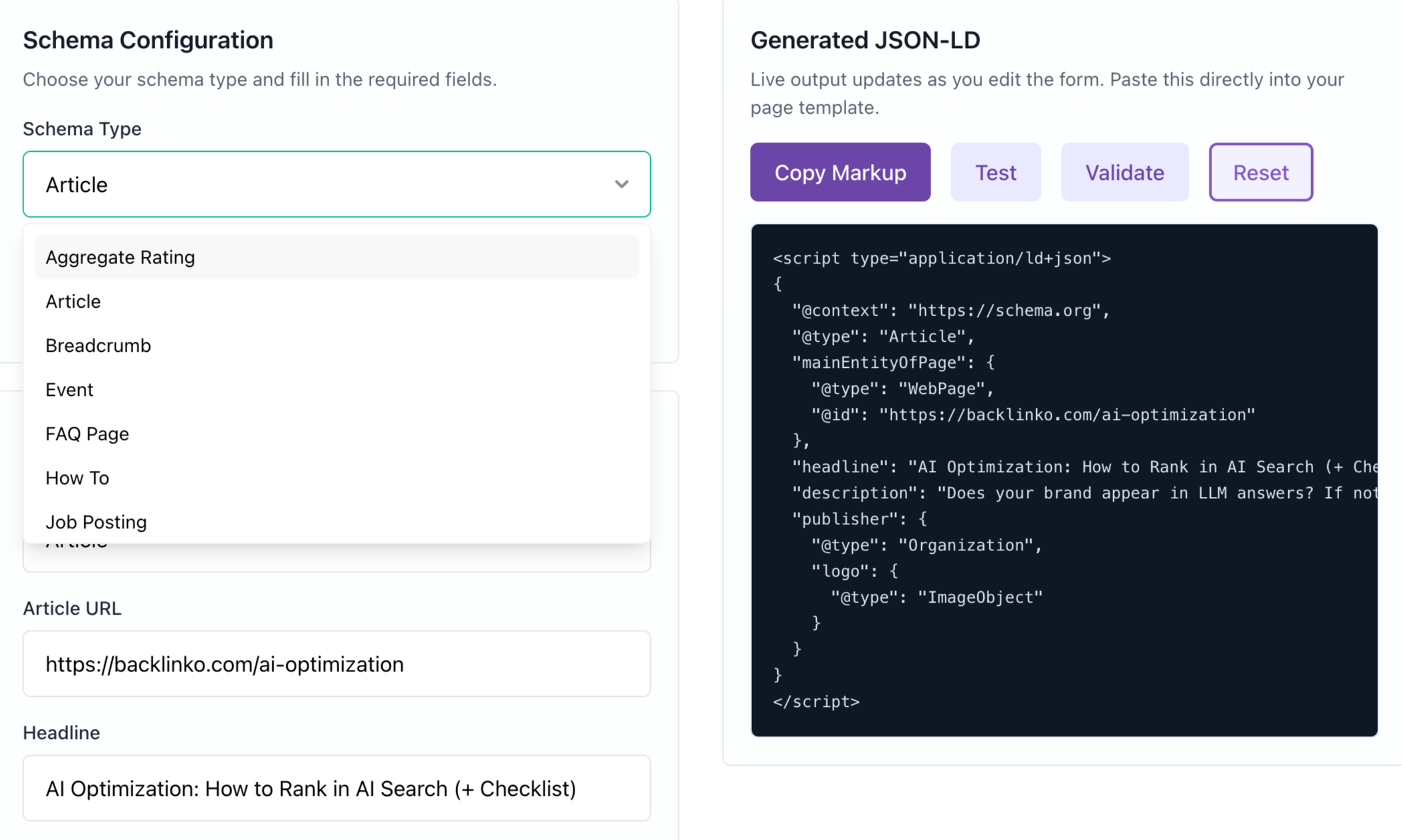
  • Pick from 15 types that trigger rich results
  • Fill in forms tailored to each type's fields
  • Follow tooltips that explain each property
  • Skip the guesswork on field requirements

See Your Markup Update in Real Time

Type into the form and watch your JSON-LD update live. No coding, no formatting, no extra steps.
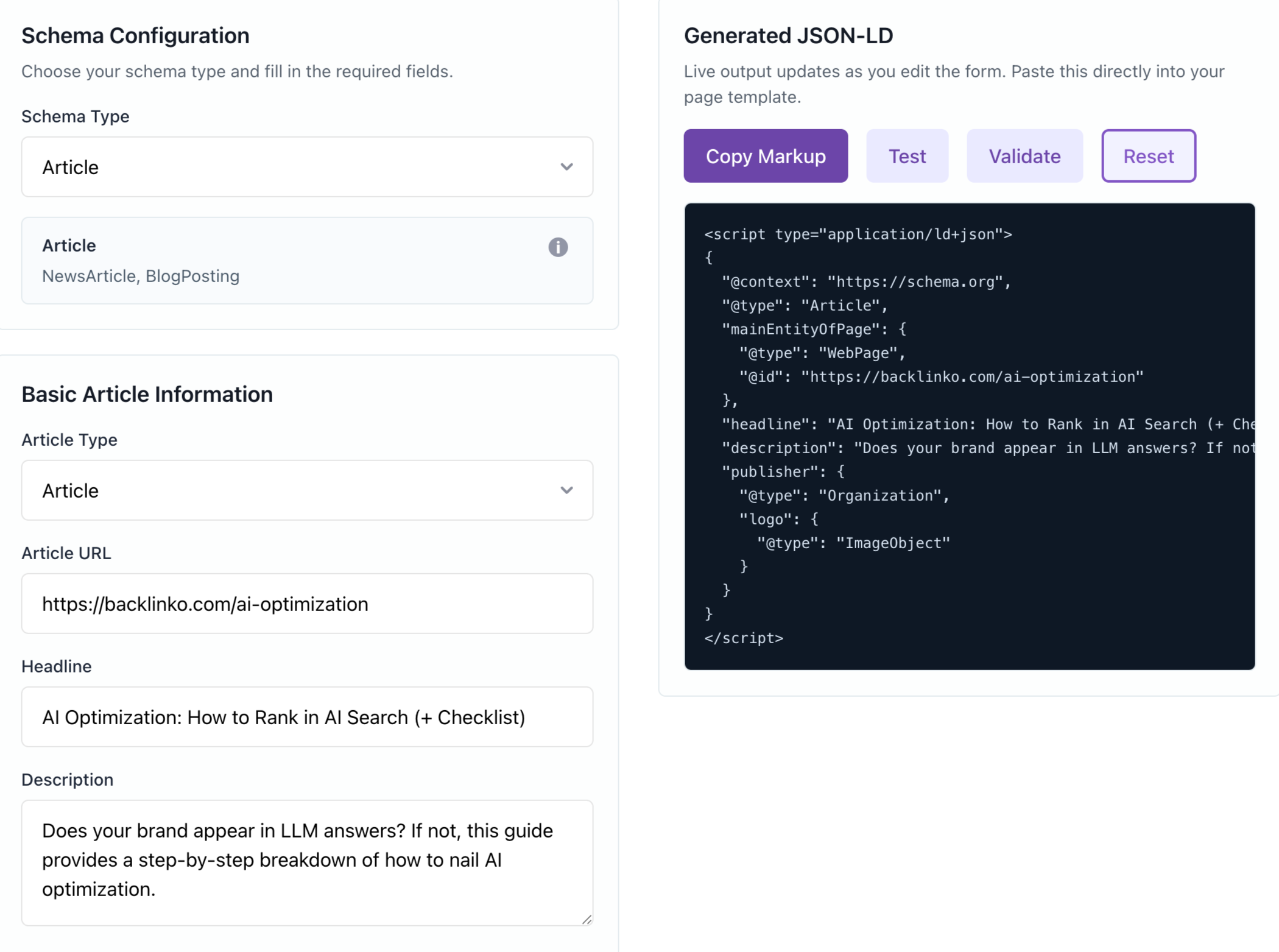
  • Watch JSON-LD output change as you type
  • Generate valid structured data without code
  • Copy the finished markup into your page
  • See exactly what goes on your site

Test and Validate Before You Publish

One click opens Google's Rich Results Test or Schema.org's validator. Catch errors before Google does.
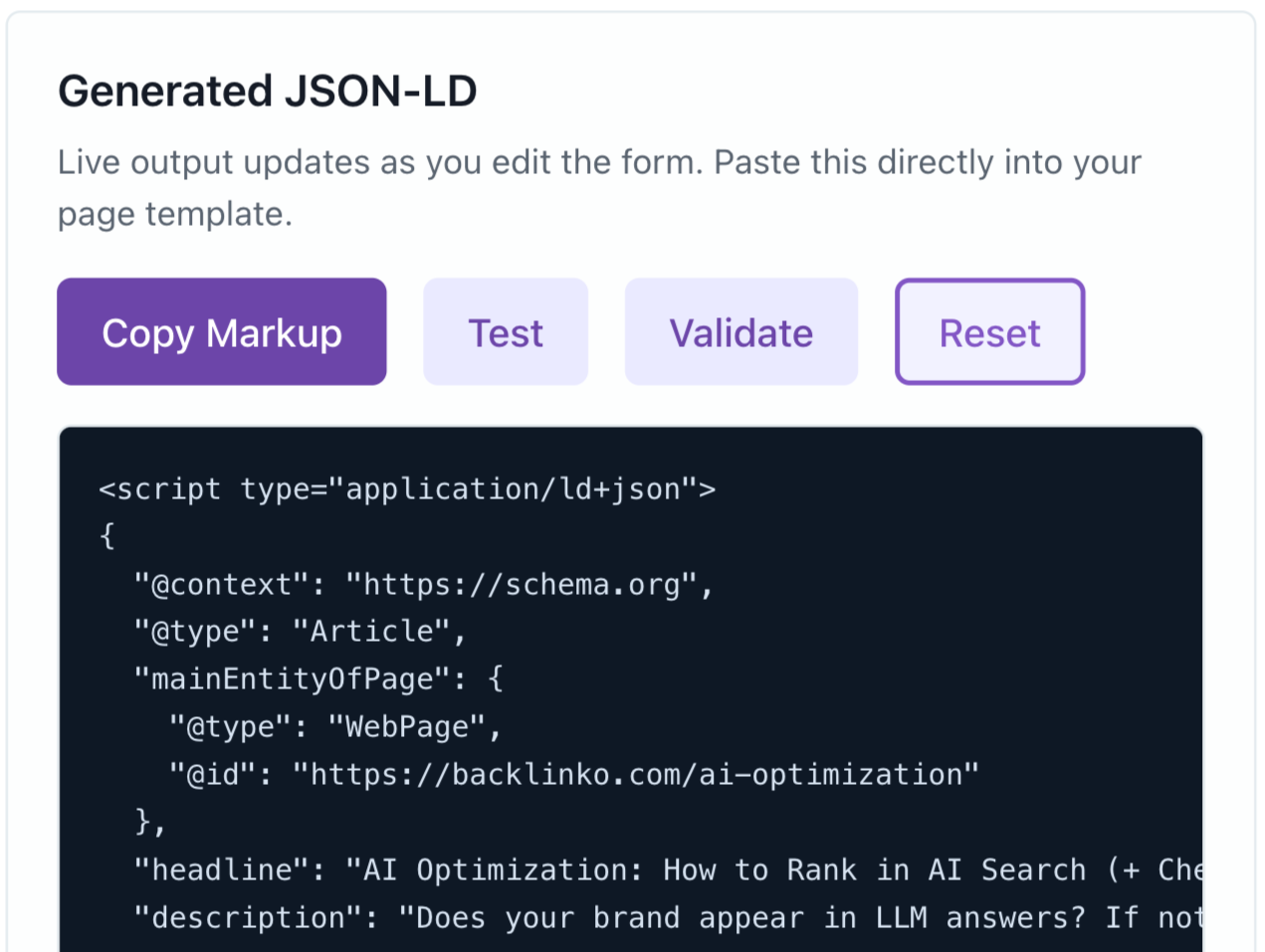
  • Test in Google's Rich Results Test instantly
  • Validate against Schema.org in one click
  • Confirm rich result eligibility before launch
  • Fix errors and retest without starting over

Built for Every Detail Google Wants

Conditional fields, repeatable sections, and real-time validation make sure nothing gets missed.
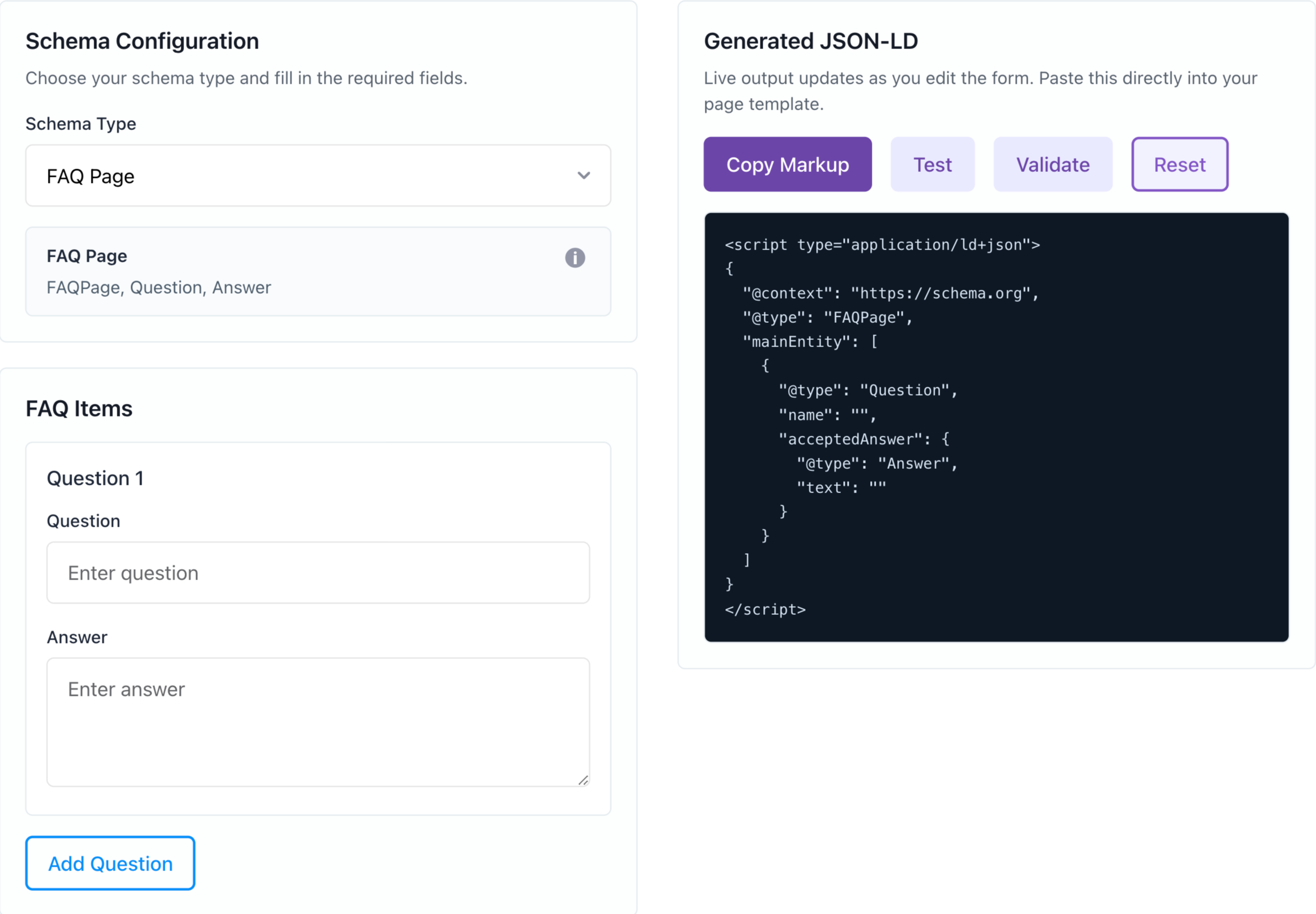
  • Use conditional fields that adapt on the fly
  • Add repeatable sections for FAQs and steps
  • Catch validation errors as you type
  • Select from 264 countries and 164 currencies

Audit Your Entire Site with Semrush

This tool covers one page. Semrush Site Audit crawls your entire site and flags every technical SEO issue at once.
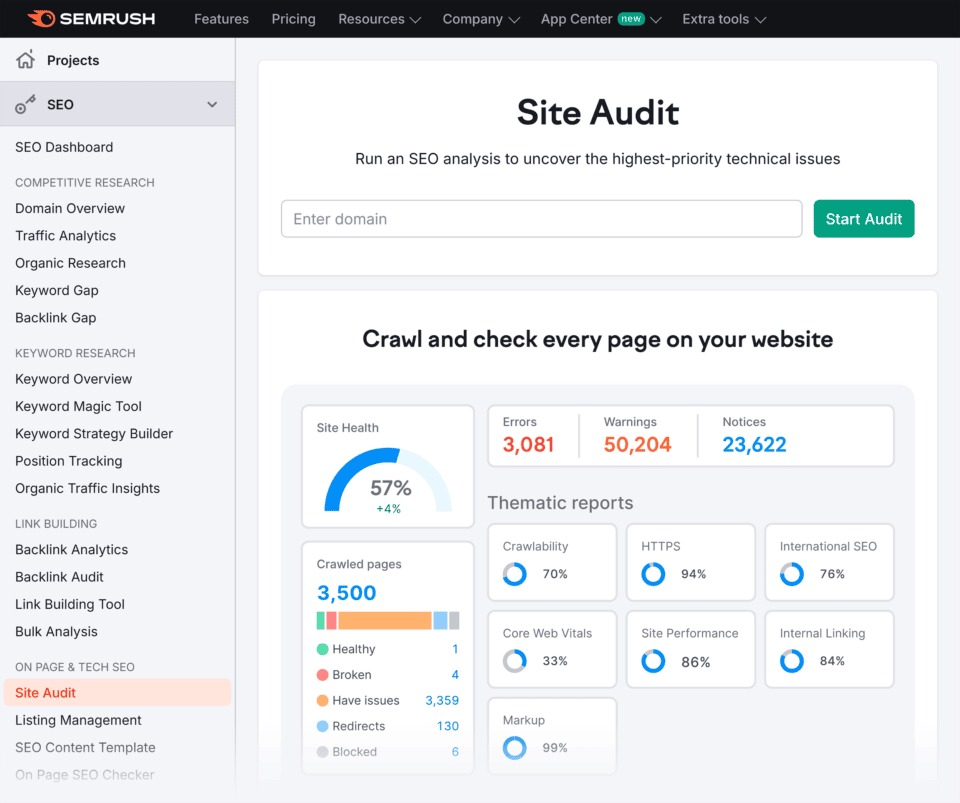

  • Crawl hundreds of pages in minutes
  • Detect schema errors and missing markup
  • Monitor Core Web Vitals and crawlability
  • Schedule recurring audits automatically

Schema Markup Generator FAQ

Yes. The Schema Markup Generator is completely free with no usage limits. Generate as much JSON-LD markup as you need, for as many pages as you want. No account or credit card required.

The tool supports 15 schema types: Article, Breadcrumb, Event, FAQ Page, How To, Job Posting, Local Business, Organization, Person, Product, Recipe, Review, Aggregate Rating, Video, and Website. Each type includes all the fields Google recommends for rich result eligibility.

This tool generates schema markup for a single page. Semrush Site Audit crawls your entire site and flags technical SEO issues across all pages, including missing or invalid structured data, crawlability errors, and Core Web Vitals. Try it free for 14 days →

Copy the JSON-LD output and paste it into the <head> section of your page's HTML. If you use WordPress, you can add it through a plugin like Rank Math or Yoast, or paste it directly into a custom HTML block. The markup works the moment Google re-crawls the page.

No. Fill in the form fields, and the tool generates valid JSON-LD code automatically. You don't need to write or edit any code. Just copy the output and paste it into your site.

No. The Schema Markup Generator works without an account. Creating a free Semrush account gives you access to additional tools like keyword research, backlink analytics, and AI visibility tracking with up to 10 queries per day.

Use the "Test" button to open Google's Rich Results Test with your generated markup. You can also click "Validate" to check your code against Schema.org's validator. Both tools flag errors and confirm whether your markup qualifies for rich results.

Schema markup tells search engines what your content is about, which can trigger rich results like star ratings, FAQ dropdowns, and event details directly in search. Pages with rich results typically see higher click-through rates. Structured data also makes it easier for AI platforms like Google's AI Overviews and Bing Copilot to reference your content accurately. For a deeper dive, check out Semrush's complete guide to schema markup.

Go beyond generating markup. Catch schema issues with a free Semrush account.

  • Detect schema markup errors
  • Audit JSON-LD implementation
  • Find pages missing structured data
  • Unlock 55+ more powerful tools
Create Free Account

No credit card needed.

Level Up Your Structured Data

4 Tasks
Learn how to implement schema markup the right way, from basics to advanced types.
Read Guide
Read Guide
Read Guide
Read Guide

Take your
search visibility
to the next level

A unified SEO + AI Visibility toolkit to track, optimize, and win across Google search and AI platforms

Start My 14-Day Free Trial

One Solution to Win Every Search