Backlinko readers get access for 14 days. 55+ tools.
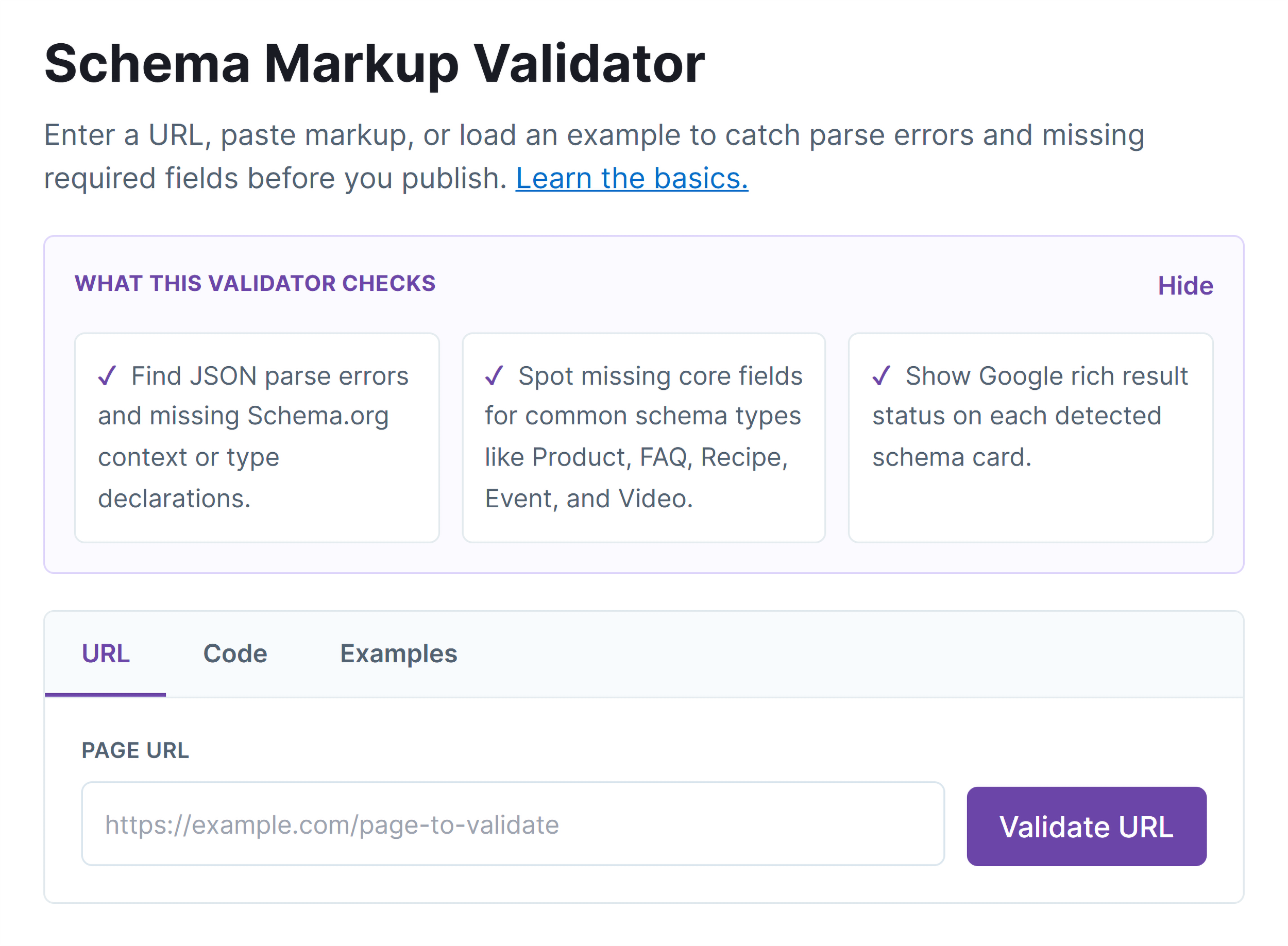
Schema Markup Validator
Enter a URL, paste markup, or load an example to catch parse errors and missing required fields before you publish. Learn the basics.
✓Find JSON parse errors and missing Schema.org context or type declarations.
✓Spot missing core fields for common schema types like Product, FAQ, Recipe, Event, and Video.
✓Show Google rich result status on each detected schema card.
How it works
1
Enter
Paste a URL, markup, or load an example schema.
2
Validate
We parse your schema and check supported fields.
3
Fix
Review errors, notices, and rich result status.
Validate Schema 3 Different Ways
Validate a live page by its URL, or paste your code to check it before publishing. You can also browse built-in examples to see what correct schema looks like.
Fetch schema straight from any live URL, no copy-paste needed
Test markup on the Code tab before it's on your site
Browse built-in examples for common types like Product, FAQ, and Recipe
No account or setup required
Catch Errors and Missing Required Fields
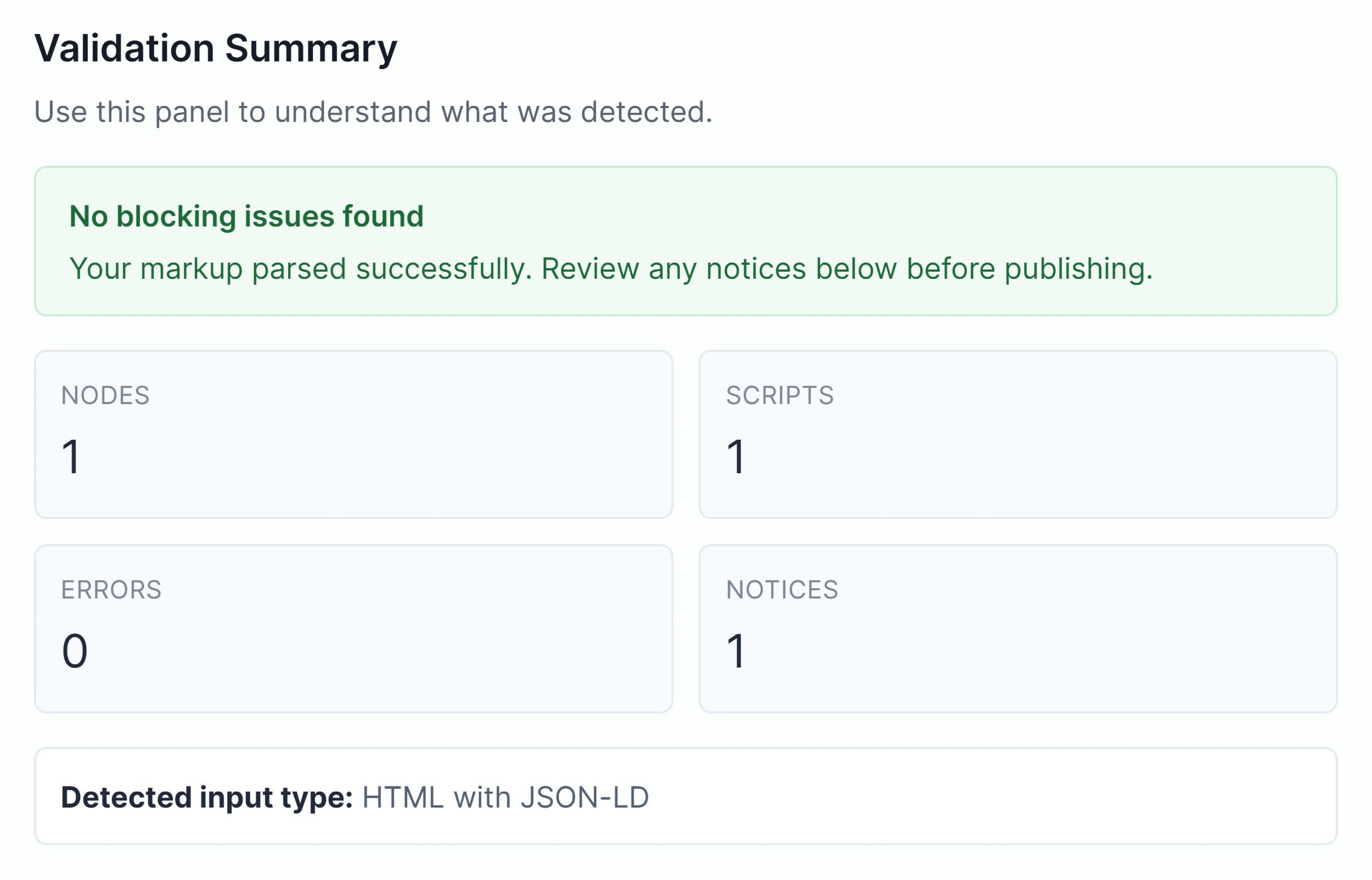
The validator flags blocking issues, errors, and warnings, so you can fix problems before Google finds them.
Identify which fields are missing or incorrectly formatted
Get issues sorted by severity
Fix errors before you publish
Check Rich Result Eligibility for Each Schema Type
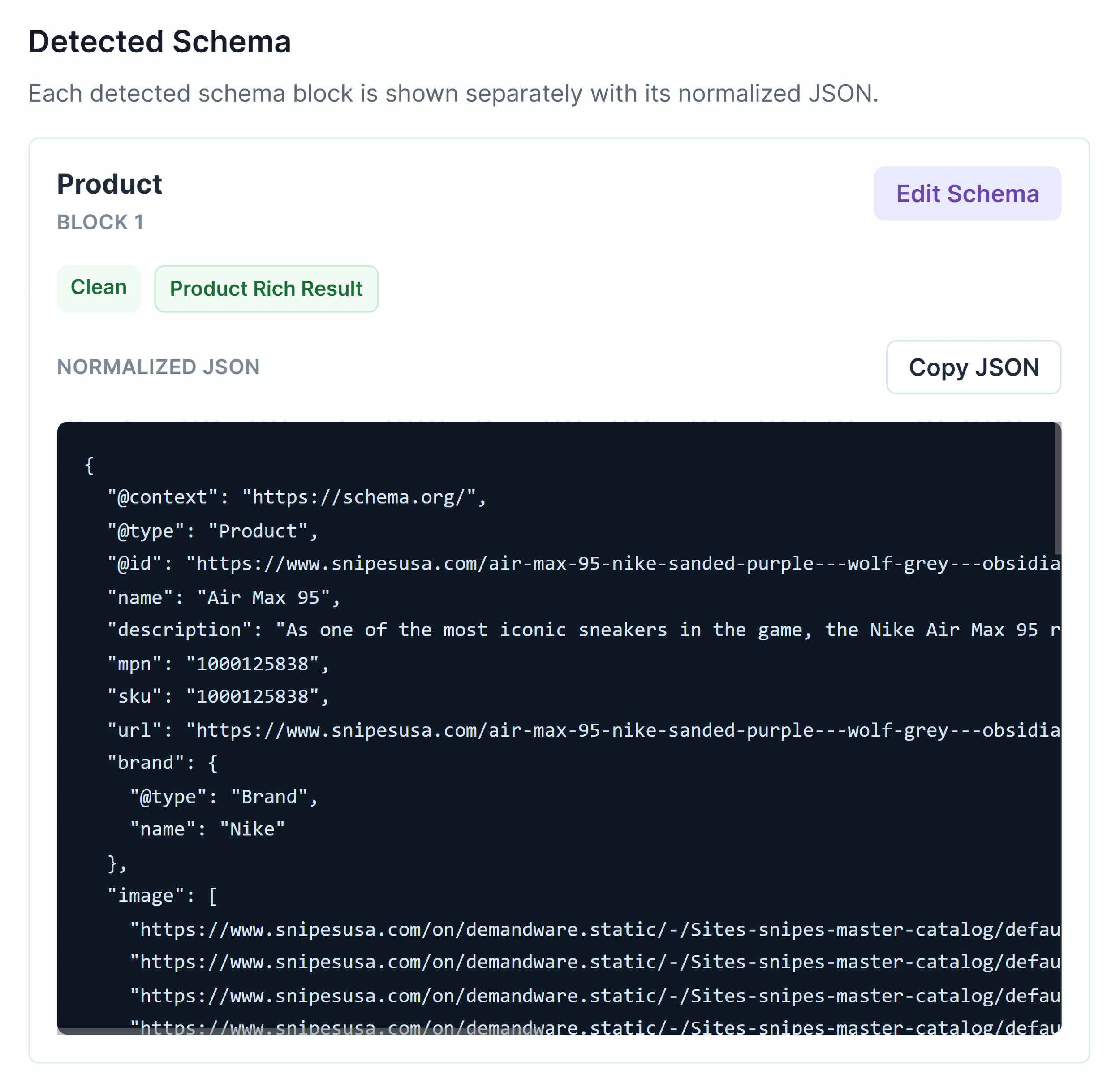
Each detected schema type gets its own card showing whether the markup qualifies for Google rich results. Review the code and copy clean JSON-LD directly from the results.
Check the rich result status for each detected type before you publish
Review the validated code block by block, so nothing slips through
Spot which blocks pass and which need fixing at a glance
Copy clean JSON-LD with one click
Flag Issues for Product, FAQ, Recipe, and More
Different schema types have different required fields. The validator checks common types against Google's requirements and flags anything missing or incorrect.
Check required fields for Product, FAQ, Recipe, Event, Video schema, and more
Get specific guidance for each flagged issue
Catch formatting errors that block rich result eligibility
Validate against the fields Google checks
Want to Audit Your Entire Site?
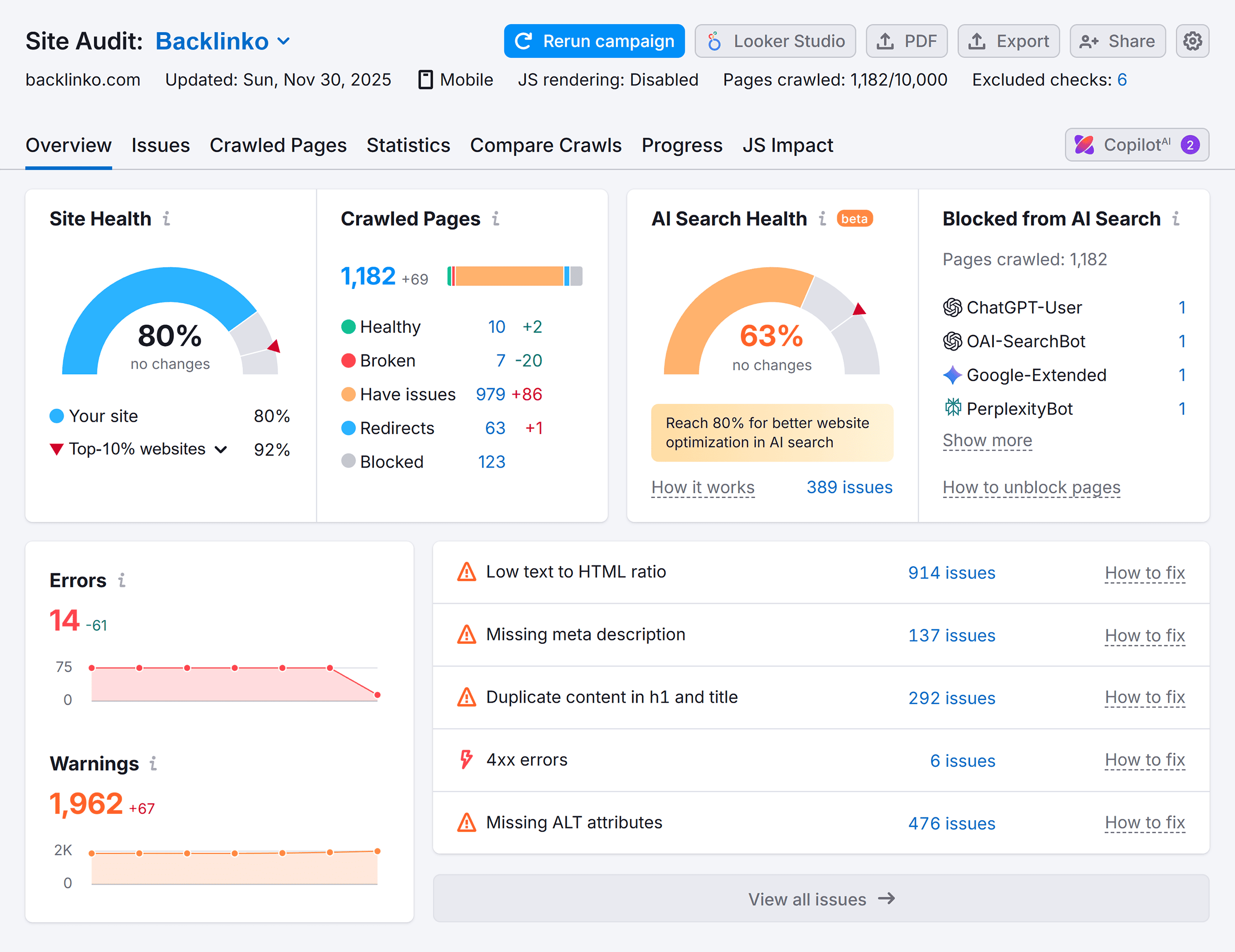
The Schema Markup Validator checks one page at a time. Semrush Site Audit crawls your entire site and flags schema errors and other issues across every page.
Find missing schema and errors in existing markup
Monitor technical SEO issues in one report
Unlock 140+ technical checks
Schema Markup Validator FAQs
Yes, the Schema Markup Validator is free to use. You can validate schema from a URL, pasted code, or a built-in example with no account or credit card required.
The Schema Markup Validator supports three input types. Enter a live URL to fetch your schema automatically, or paste JSON-LD to check markup before it goes live. You can also load a built-in example to see correct formatting for a specific type.
The Schema Markup Validator detects and validates JSON-LD schema including common types like Product, FAQ, Recipe, Event, Video, Organization, WebSite, and WebPage. It flags missing required fields and formatting errors for each detected type.
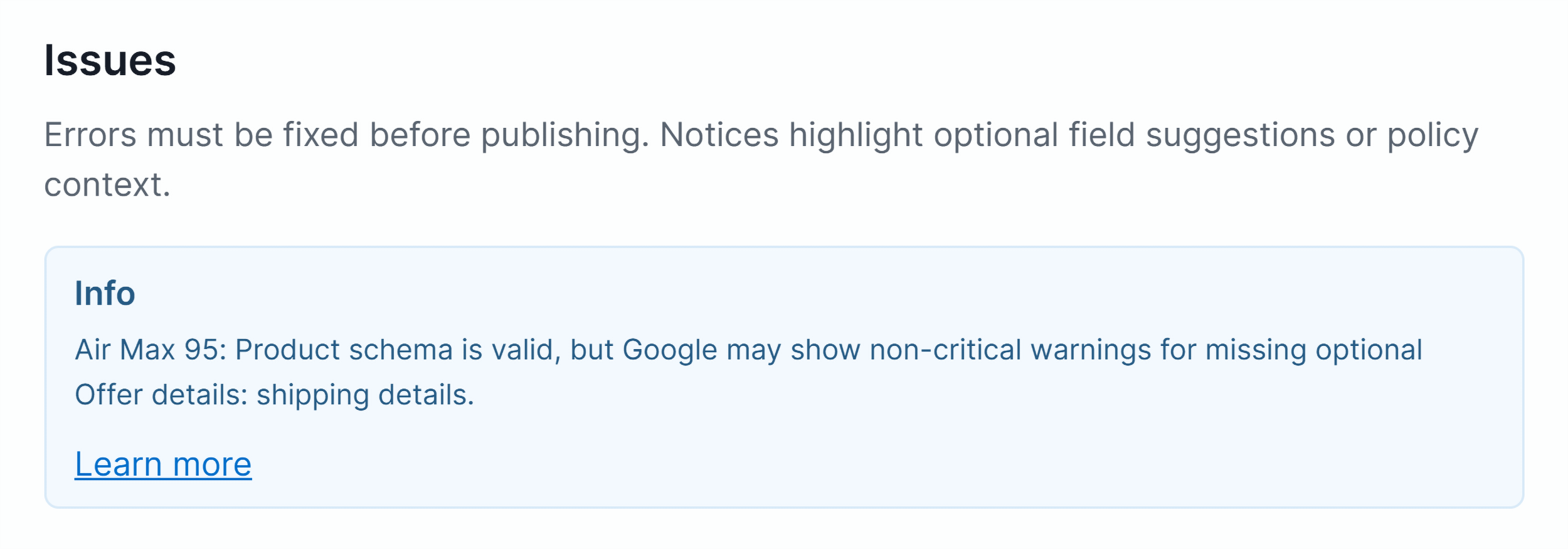
Errors are incorrect or missing required fields. They must be fixed before your schema can qualify for rich results. Warnings flag recommended fields that aren't strictly required, worth adding, but not blocking. Notices are informational, worth a look but unlikely to affect eligibility.
Rich results are enhanced listings in Google search that can include star ratings, recipe details, or product prices. The Schema Markup Validator shows which of your detected schema types can appear as rich results in Google. For final confirmation that a specific page qualifies, run it through Google's Rich Results Test.
Yes, you can validate schema before adding it to your site. Switch to the Code tab and paste your code directly into the validator. The tool checks the markup and flags any errors or missing fields before you publish.
The built-in examples show correctly formatted schema for common types. Use them to understand what complete, valid schema looks like before writing your own markup, or as a reference when debugging existing structured data.
The Schema Markup Validator checks your markup on two levels: whether it's valid schema.org structured data, and whether it meets Google's requirements for rich results. It flags errors, warnings, and notices across every detected type. Google's Rich Results Test focuses only on whether a page qualifies for rich results. Use the Schema Markup Validator to catch and fix issues first, then confirm final eligibility with Google's tool.
No, you don't need a Semrush account to use the Schema Markup Validator. Creating a free Semrush account gives you access to schema and technical SEO checks on up to 100 pages, plus 10 searches a day across Semrush's other tools.
Use the Schema Markup Validator any time you add or update structured data on a page, after a site migration or template change, or when a page stops appearing with rich results. For ongoing site-wide schema monitoring, Semrush Site Audit can crawl your entire site and flag schema errors across all pages.
Validate a block here. Audit every page with a free Semrush account.