Backlinko readers get access for 14 days. 55+ tools.
FREE Robots.txt AI Crawler Checker
See whether search engines and AI crawlers can reach the pages you want discovered. Get a clear report of crawler access, content signals, and the fixes to make first.
No loginNo credit cardInstant results
Search & AI crawler access rules
Content signals & blocked paths
Prioritized fix list
Get Your Crawler Access Score Instantly
Enter your domain and get a Crawler Access Score. The report shows search access and AI access broken out separately, so you can see what's open and what's blocked.
See your overall score plus an "open to crawlers" status label
View separate scores for search access and AI access at a glance
Get a prioritized fix list starting with the highest-impact issues
Run up to 3 free checks per day
Find & Fix Critical Access Issues Fast
Stop guessing. The Fix List puts failed checks first, ordered by their impact on search and AI discoverability, so you know exactly what to tackle first.
Get issues ranked by impact on discoverability
Review each issue and how to fix it
Confirm when no blocking issues are found
See Which Search and AI Answer Engines Can Reach Your Site
The report checks access for the crawlers behind search results and AI answers, then shows you which ones can reach your pages.
Check access for major search and AI answer engines, including Googlebot, Bingbot, OAI-SearchBot, and PerplexityBot.
See whether each crawler is allowed or blocked
Identify whether rules are explicit or set by default
Confirm key URLs pass a live crawlability test against Googlebot
Check AI Training and Assistant Bot Access
The checker tests access for the bots that train AI models and the assistants that fetch your pages in real time. You'll also see how many AI training opt-outs your robots.txt currently has in place.
Check access for AI training bots like GPTBot, ClaudeBot, CCBot, and more
Review rules for AI assistant bots like ChatGPT-User and Claude-User
See your current AI training opt-out count
Spot missing or thin AI crawler rules
Want to Go Deeper? Stop Checking. Start Tracking
The robots.txt Checker gives you a one-time snapshot. Semrush shows you the full picture: track your AI visibility as it trends, monitor your site's health, and see where competitors get cited so you can close the gap.
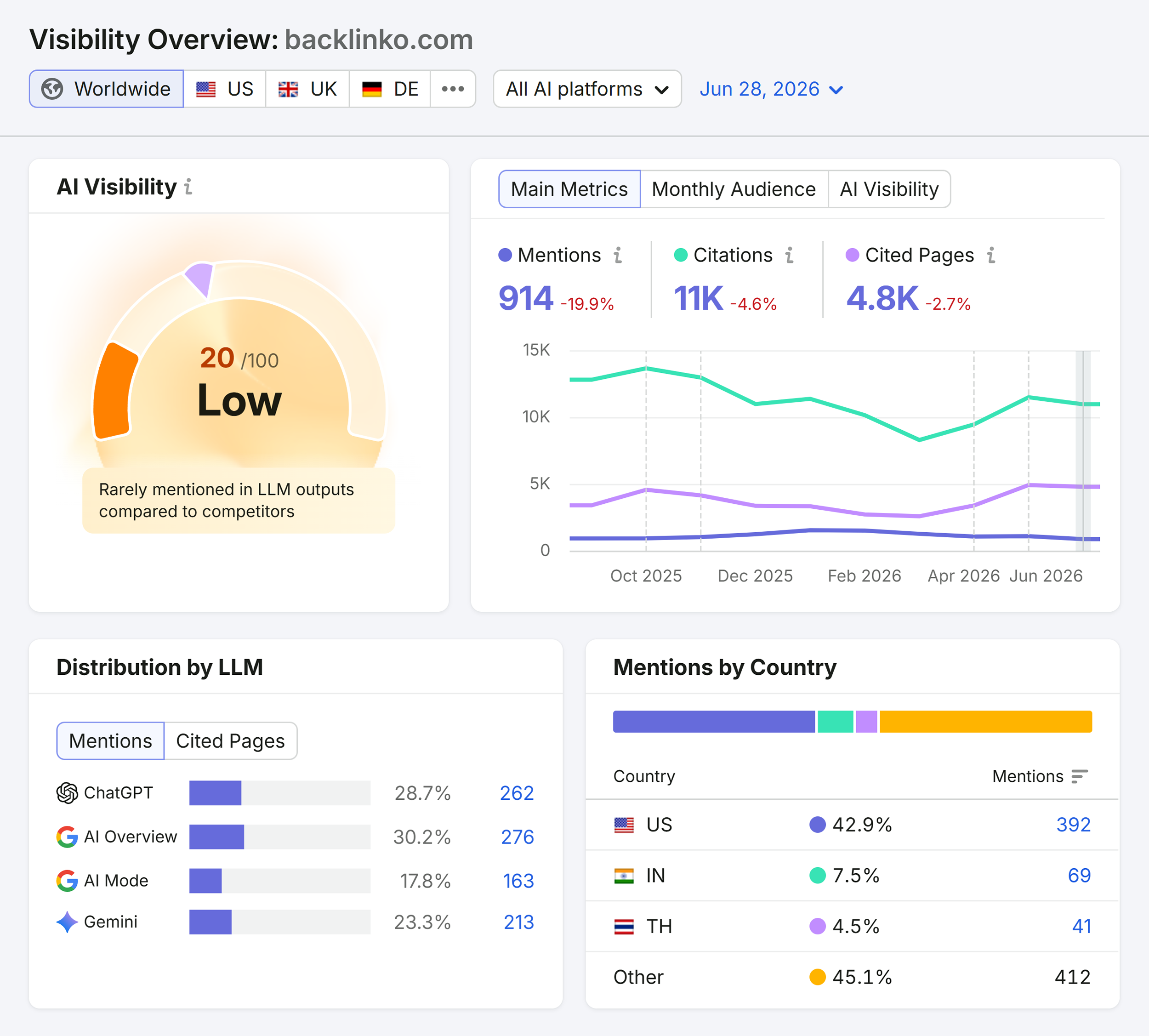
Track AI visibility across ChatGPT, Gemini, and Perplexity, Google AI Overviews, and more
See which competitors get cited when you don't
Monitor site-wide technical health, not just robots.txt
Turn AI blind spots into your next wins
Robots.txt AI Crawler Checker FAQs
Yes, the Robots.txt AI Crawler Checker is free to use. You get three free checks per day with no account or credit card required.
The Robots.txt AI Crawler Checker analyzes your robots.txt file across 12 checks. They cover search and AI crawler access, AI training and assistant bot rules, sitemap references, crawl-delay directives, content signals, key URL crawlability, and rule syntax.
The Robots.txt AI Crawler Checker reviews access rules for Googlebot, Bingbot, OAI-SearchBot, PerplexityBot, Claude-SearchBot, DuckAssistBot, and Applebot. It shows whether each is allowed or blocked, and whether the rule is explicit or inherited from defaults.
The checker reviews access for AI training bots including GPTBot, ClaudeBot, Google-Extended, Applebot-Extended, CCBot, Bytespider, Amazonbot, meta-externalagent, and cohere-ai. It also reviews AI assistant bots including ChatGPT-User, Claude-User, and Perplexity-User.
The difference between AI training bots and AI assistant bots comes down to when and why they crawl. AI training bots crawl your content to train AI models. AI assistant bots fetch your pages in real time when a user asks about a topic your site covers. The report shows access status for both separately.
AI training opt-outs are robots.txt rules that block specific AI training bots from crawling your site. These bots crawl content to build AI models rather than to answer user queries in real time. The report shows how many opt-outs your robots.txt currently has in place.
Yes, you can enter a robots.txt URL directly, such as example.com/robots.txt. You can also just enter your domain, and the checker fetches the robots.txt for you.
The key URLs are crawlable check tests your important URLs against both Googlebot and AI answer engines, to confirm those specific pages are actually reachable, not just that the default rule allows crawling.
Start with the top items in the Fix List. It's ordered by impact on search and AI discoverability, so failed checks appear before warnings. If no failed checks are found, use the report to confirm your access rules match your intent, especially for AI training and assistant bots. If no failed checks are found, use the report to confirm you're allowing and blocking the right bots on purpose, especially AI training and assistant bots.
Check your robots.txt after any site migration, CMS update, or template change, as these can inadvertently overwrite the file. Also run the checker any time you update crawl policies or want to review your AI crawler access rules.